Try the Display Networks Demo
Explore how channels and override rules control what appears on your displays. No display hardware is needed: you can open a channel URL in your browser.
Everyone uses the same demo account and can see or change the same channels and rules. The demo is planned to reset every two hours, and changes may be overwritten sooner by other visitors. Please don't enter private or sensitive information.
This account is a Group User; Admin and Group Admin functions are not available.
Sign in
Open the demo login page and enter these public demo credentials:
- Email:
demo@webitup.biz- Password:
demopass
Demo scenario: a lobby display
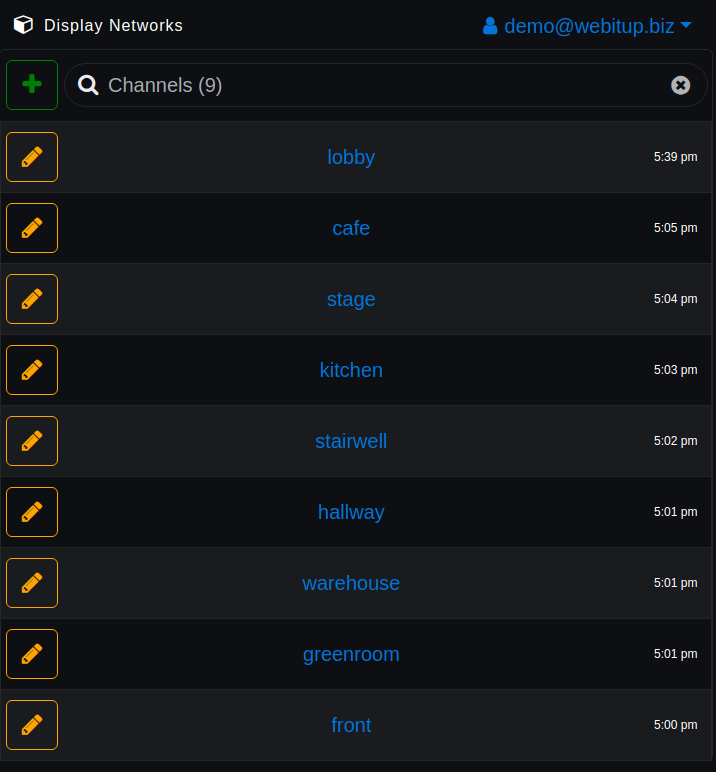
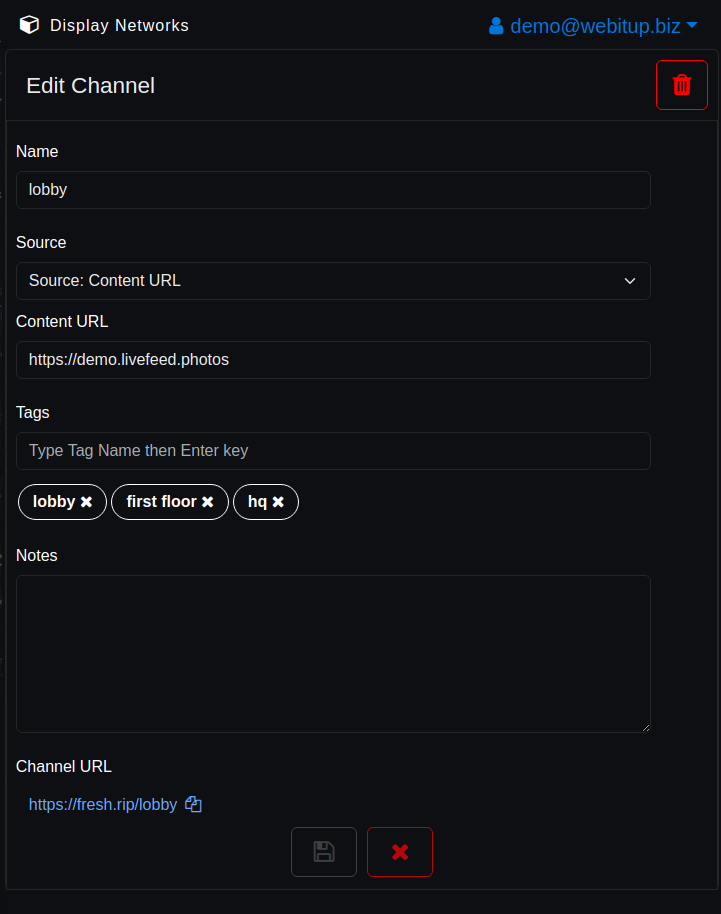
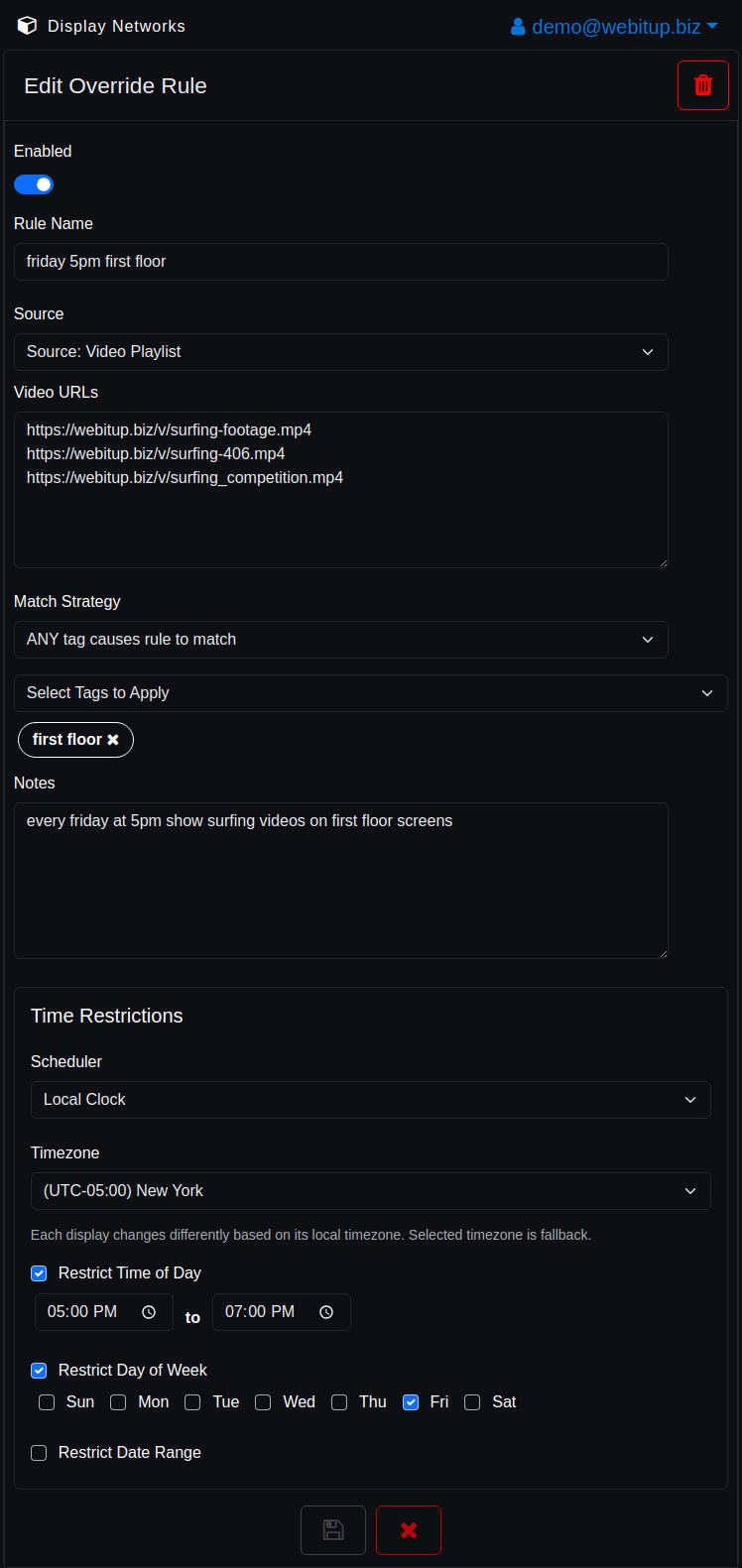
The lobby channel points to a web page and has the tags lobby, first floor, and hq. The enabled friday 5pm first floor override rule matches the first floor tag, so the lobby and other matching channels will loop surfing videos every Friday from 5:00 to 7:00 p.m. using each display's local time. At other times, the channel will show its regular content.
- Sign in and explore the existing channels, or use the plus button to add one.
- Choose a content URL for your channel and save it.
- Copy the channel URL from the channel editor and open it in a browser.
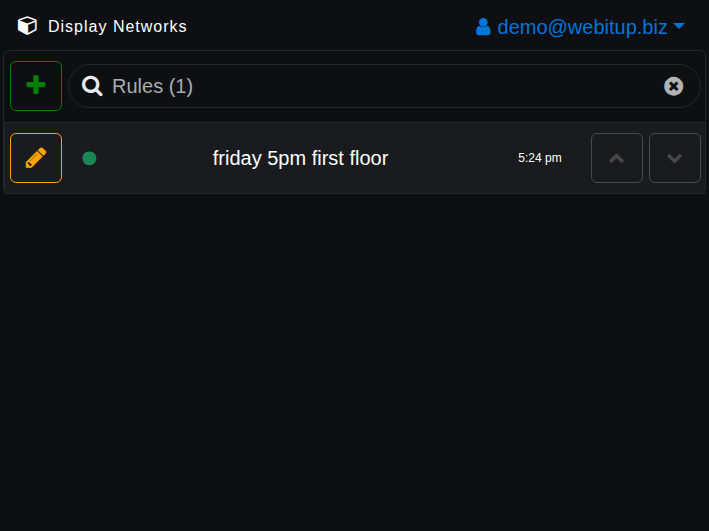
- Select Rules from the account menu and explore or edit the Friday rule.
Demo content may look different as other visitors make changes.
A look inside
Want to learn more? Read how Display Networks works or set up your own server.